- Navigate to the Board Wizard in the SymbolStix PRIME menu.
-
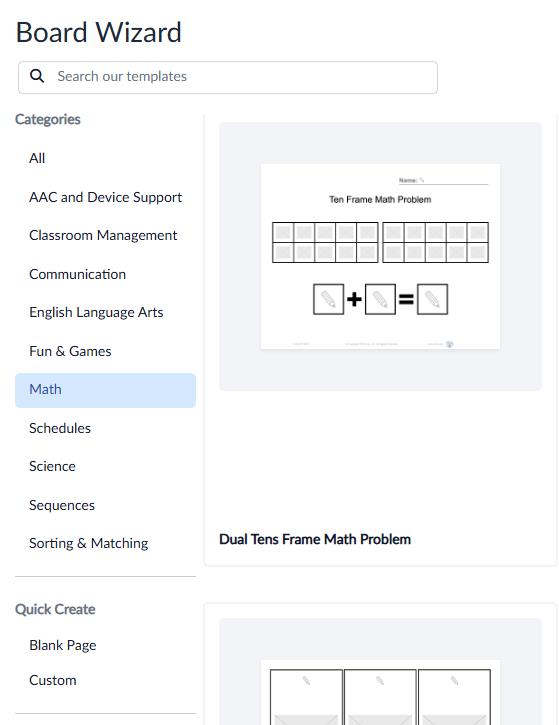
Locate the desired template type using the Categories section along the left side of the page.
- Pro Tip: Quick Create allows you to create a blank page or custom page with the desired number of composite shapes added!
-
Select the desired template.
- Enter the number of desired copies (pages) and select create.
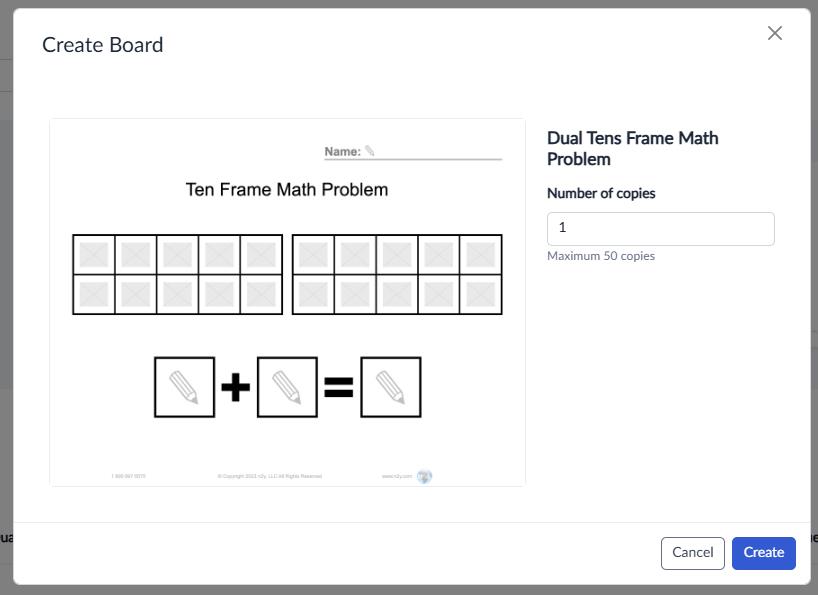
- Create the needed resources!
With the editing menu, you can:
-
Add multiple symbols or images to a single composite shape.
- Add symbols from a collection.
- Upload a custom image.
- Edit the text label of the symbol.
- Edit the speech text of the symbol.
- Change the font family, color and size of the text.
- Change the skin tone of a symbol.
- Change the background color of an individual symbol within the composite shape.
- Change the background color of the symbol composite shape.

