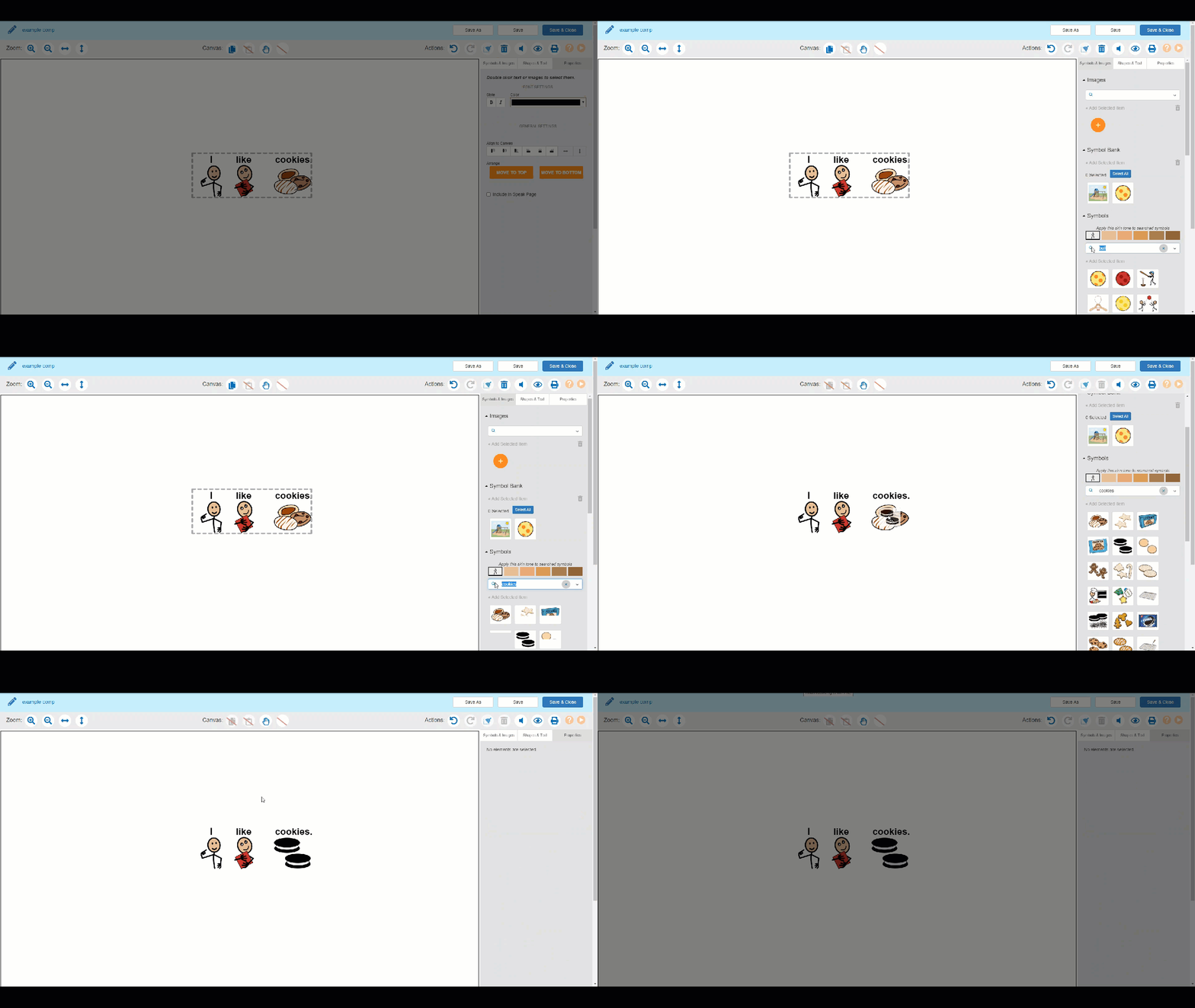
Switch to the Symbols & Images tab. Search for the desired symbol or image. Drag and drop the desired symbol on top of the cell you wish to replace. Related articles How to Auto-Generate Symbols with the Symbolize Text Tool How To Create a Folder in SymbolStix PRIME How To Add Your Own Image or Picture Into SymbolStix PRIME How To Combine Multiple Symbols