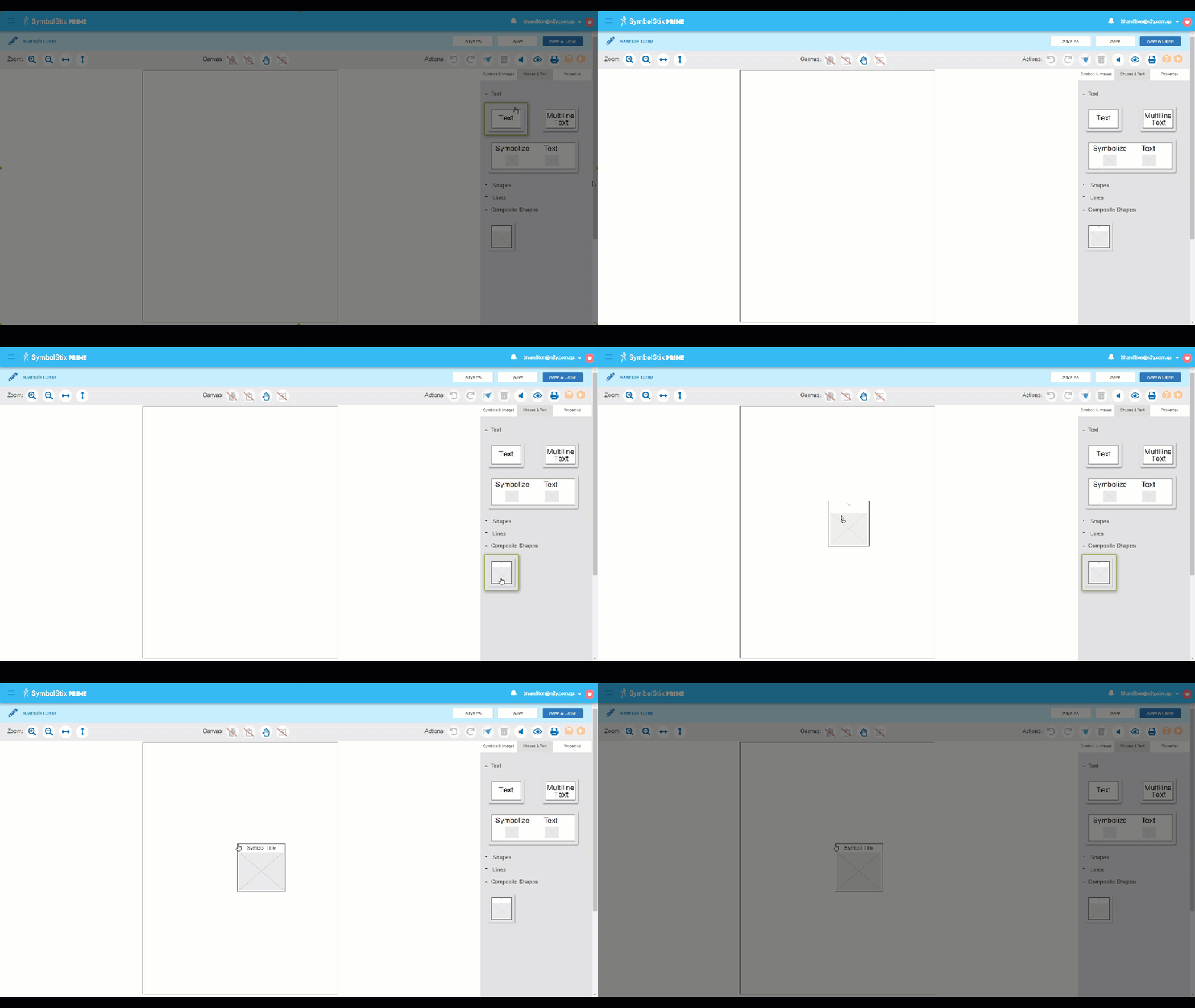
Select the Images, Symbol Bank or Symbols headings to expand the desired option.
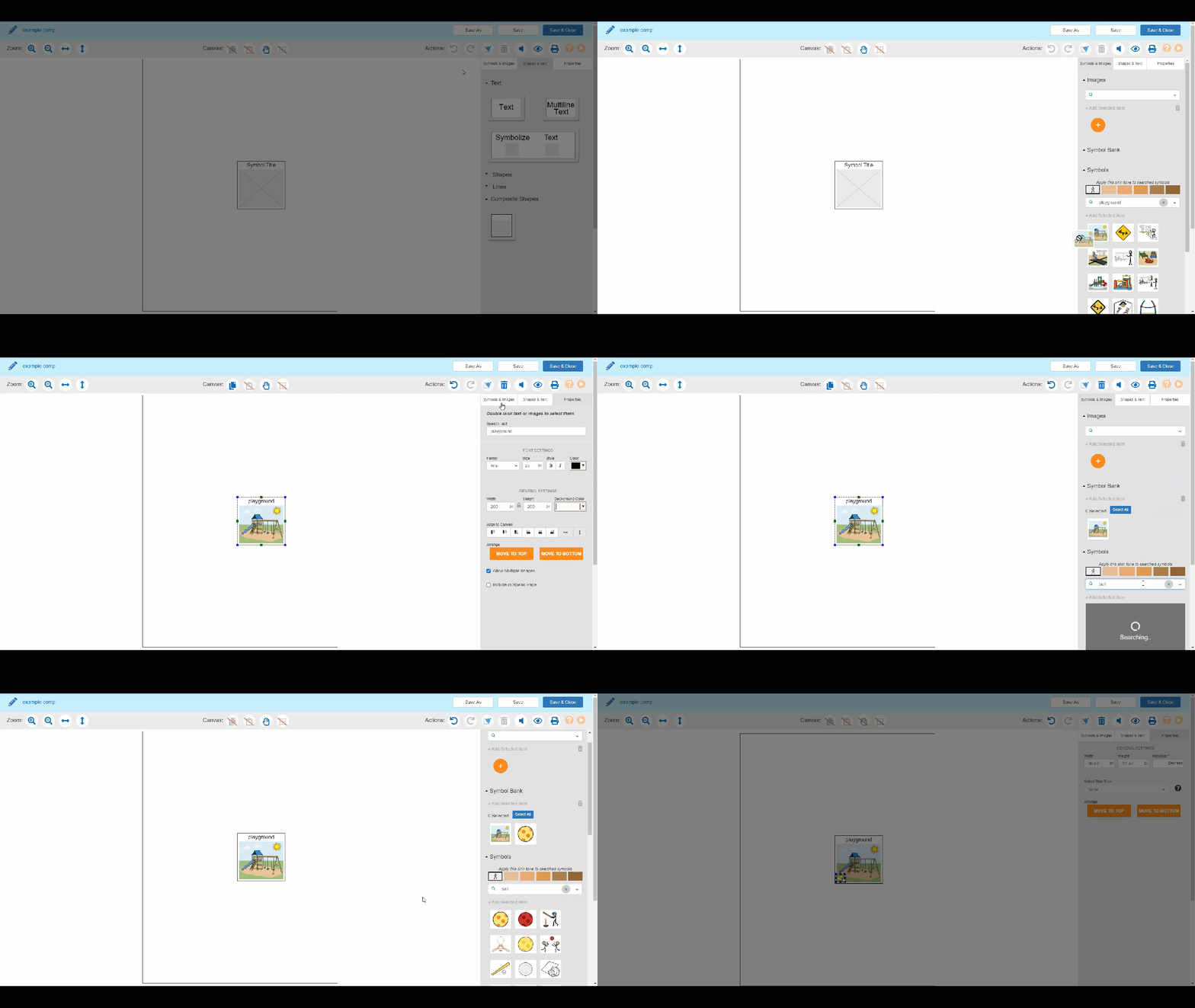
Search for symbols if needed.
Drag the desired symbol or photo into the cell.
Select the Properties tab to check the Allow Multiple Images textbox.
Select the Symbols & Images tab.
Search for additional symbols or images and drag them into the composite shape.
Use the properties tab to edit options as needed.
Pro Tip: Double-click individual symbols to edit them.
Pro Tip: Composite Shapes are available by default in pre-made templates located on the By Activity, By Size and By Device tabs. They can be added manually to custom boards from the Shapes & Text tab of the menu.